The problem
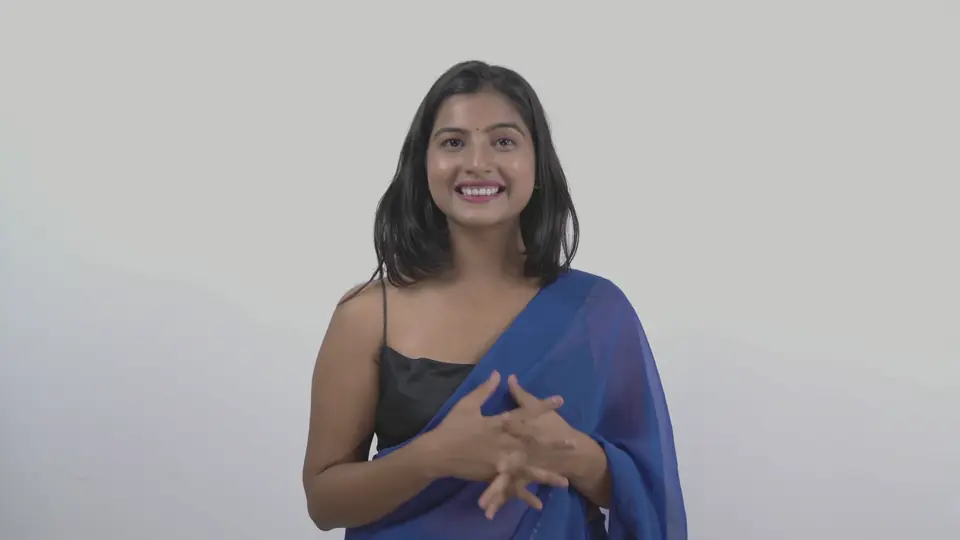
The footage itself was fine: a clear, well-lit presenter in front of a plain backdrop. The problem was that nothing on screen ever changed. One static wide shot, flat grey colour, eight seconds of the same picture — and no reason for a viewer to stay past the first line.
The raw footage
One continuous take with the camera locked off and the presenter centred against a light grey backdrop. The colour is flat and slightly grey, the framing never changes, and there are no captions, graphics or cutaways.
Editing strategy
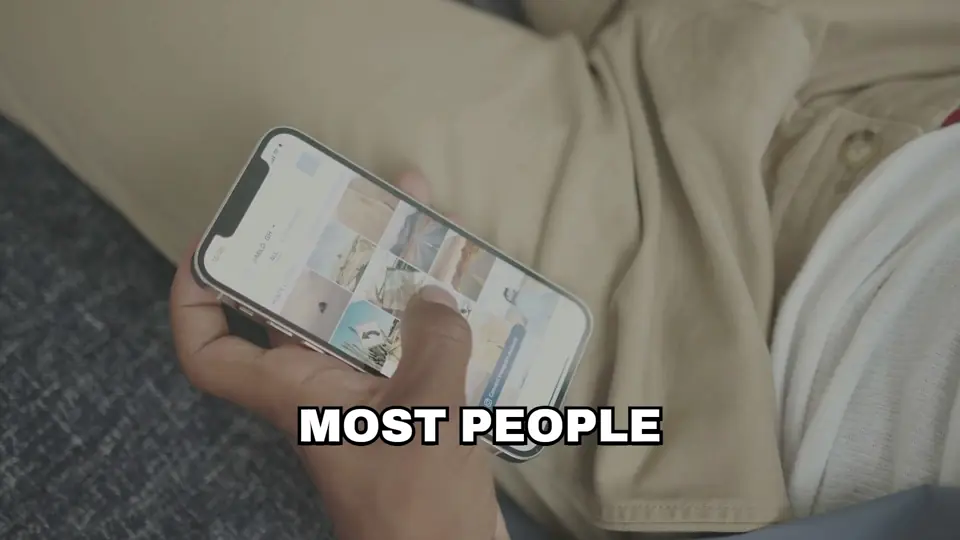
Leave the speaker's timing exactly as shot and add change around it, rather than cutting into the performance. First, push in on the lines that carry emphasis. Then add captions so it works with the sound off. Then cover the moments where the picture would otherwise sit still with one cutaway and one graphic. Colour comes last, once everything it has to hold together is in place.
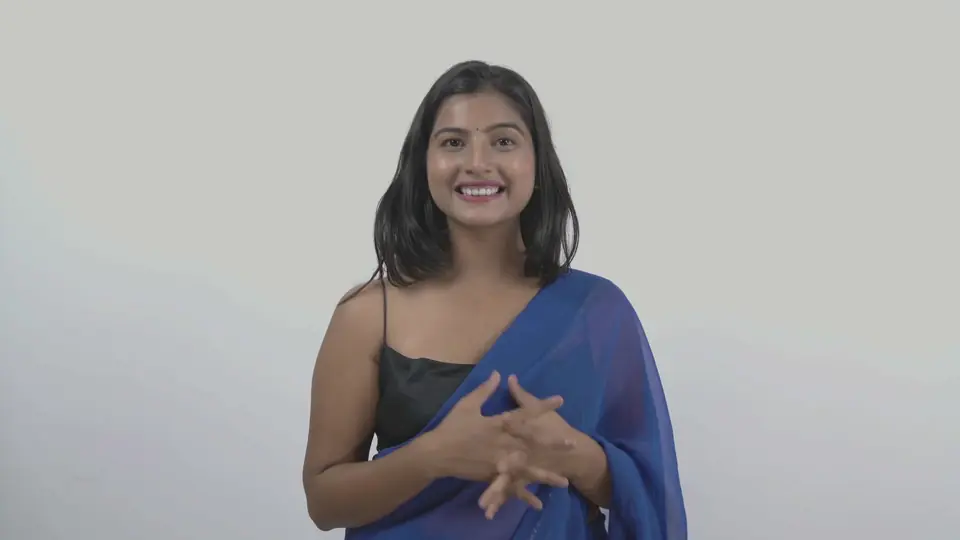
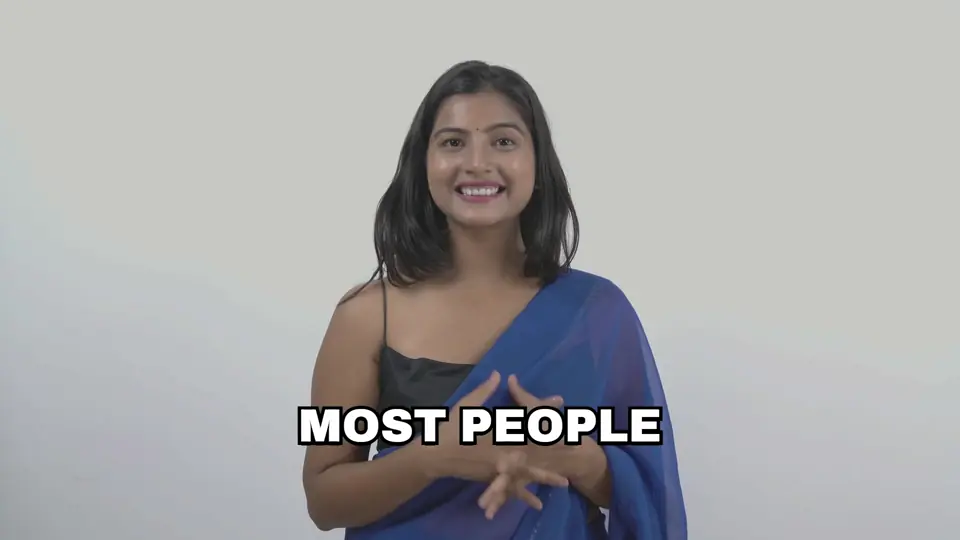
Raw — One locked-off wide shot. Flat grey colour, and nothing changes on screen.
Edit layers
Drag one onto the video — or just tap it
Creative direction
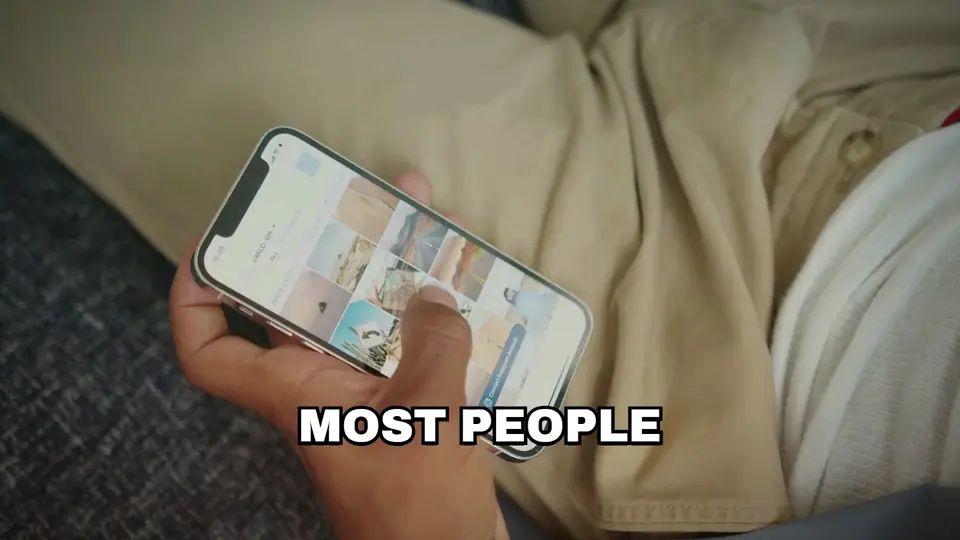
Bold word-pop captions at the bottom of the frame, with the key phrases picked out in acid yellow. A close-up of a hand scrolling a phone to put the idea on screen. A small stat card — “3 seconds: first line decides” — with a ring graphic. Then a brighter, warmer grade and a soft vignette, so the presenter and the blue of the sari lift off the backdrop.
Final output
An 8-second, 16:9 edit at 1080p and 30 fps, with a version saved at each stage along the way — raw, cuts, captions, b-roll and motion, grade, final — so each decision can be reviewed on its own. They also drive the “eleven videos stacked up” animation on the home page.